



Manual accessibility auditBuilt on WCAG and ADA

A manual accessibility audit, backed by automated tools. Faster and more affordable, with support until your site conforms.

We start with an automated scan that shortens the process and lowers the cost, then our accessibility specialists test your site by hand to find everything else. Every finding is managed in one platform, not a spreadsheet, with MCP for your AI assistant and local scanning of your dev environment.

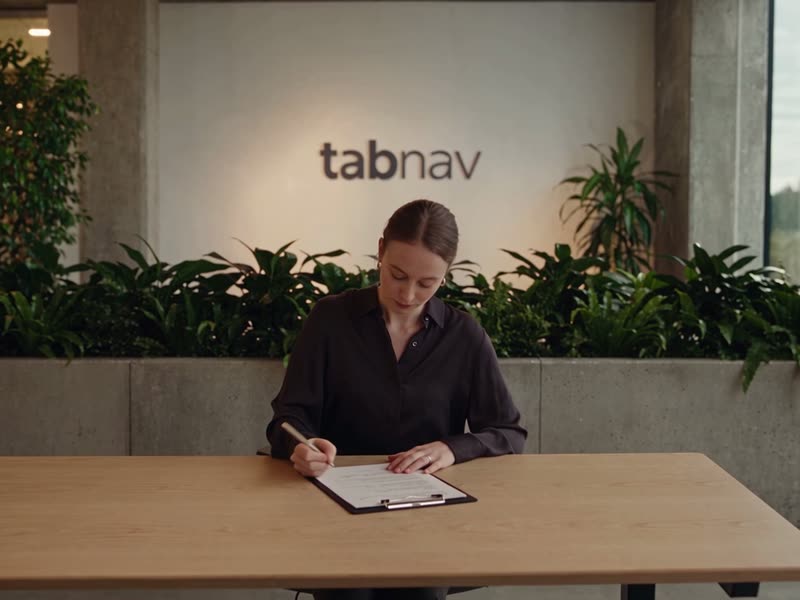
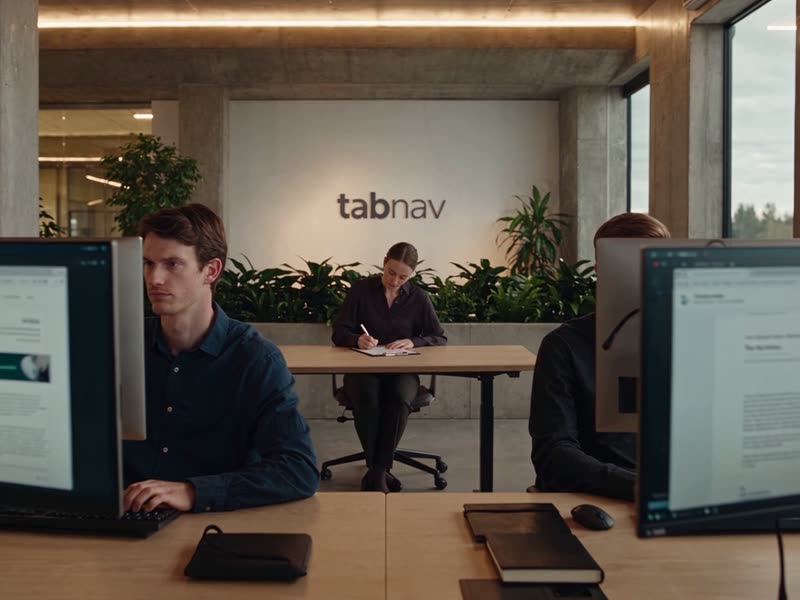
A tabnav accessibility specialist writing down audit findings at the office
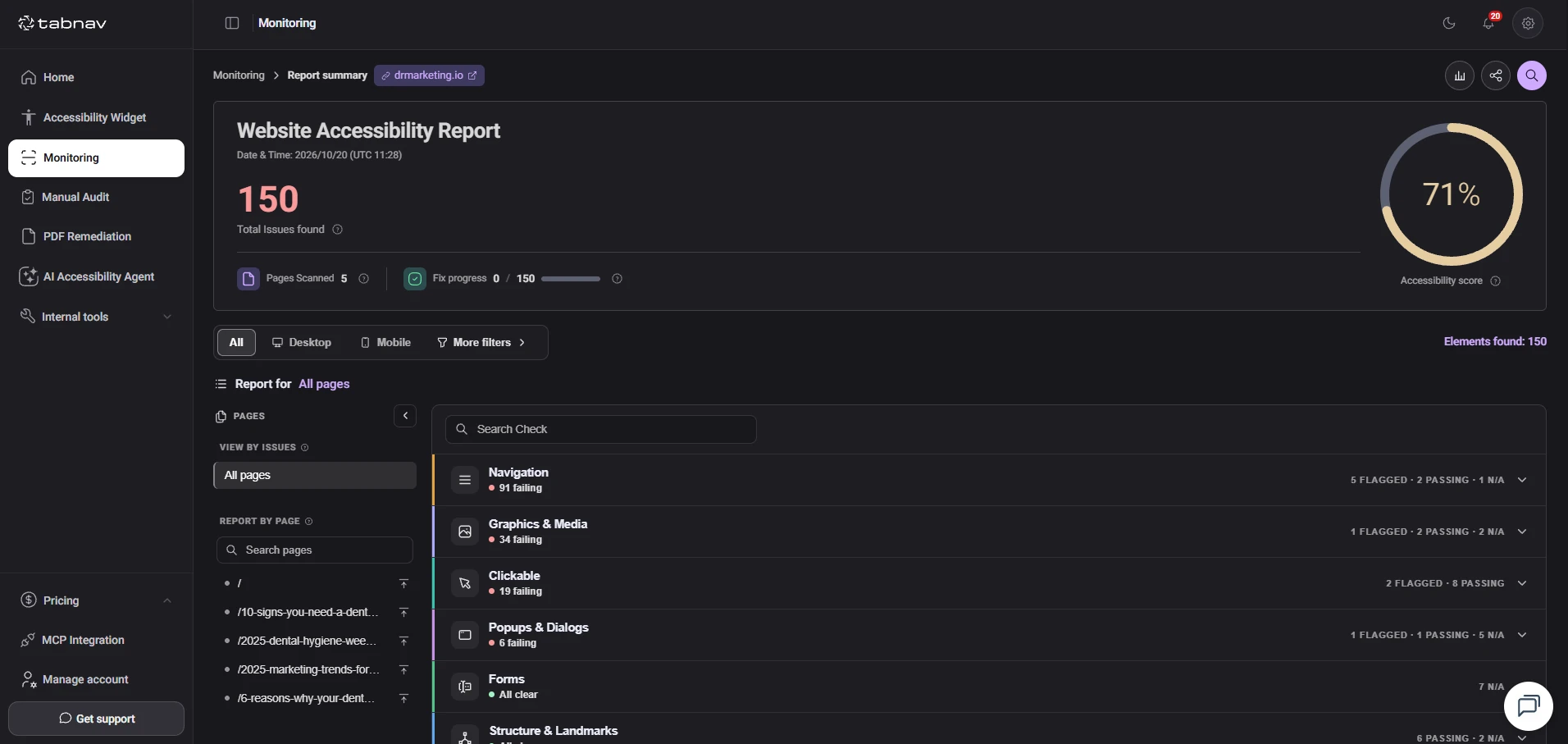
tabnav accessibility specialists walking a team through a detailed accessibility report
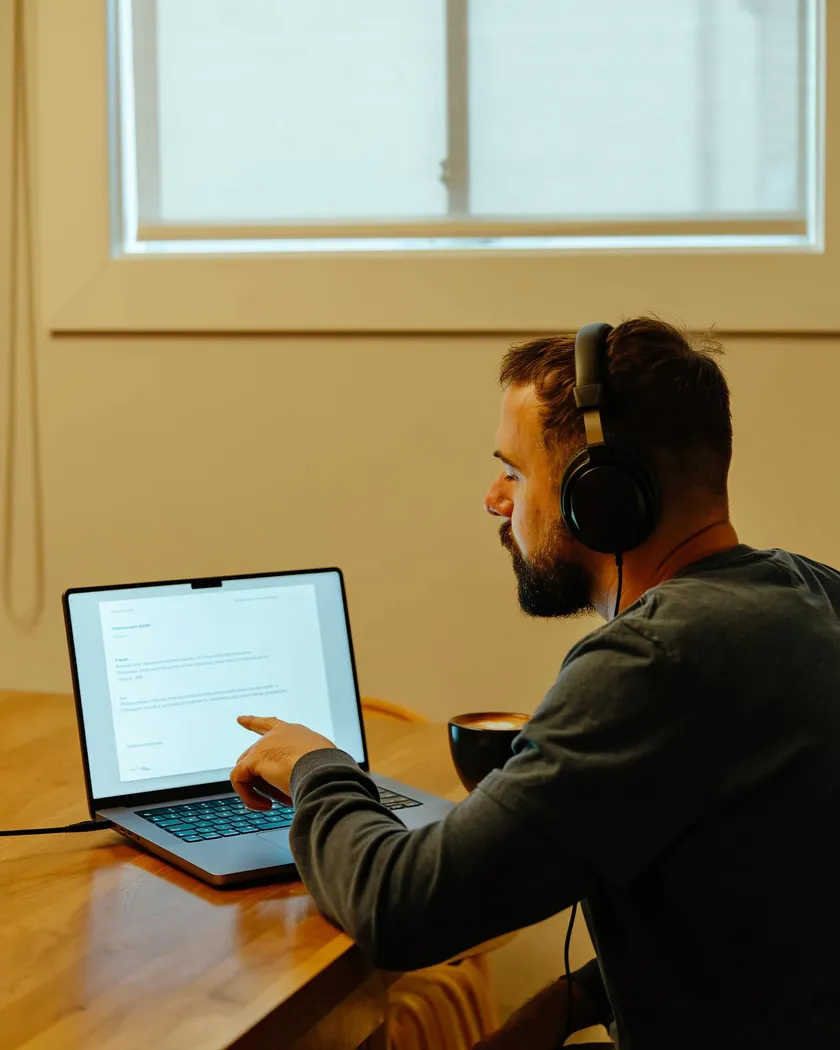
A man with headphones using a website with a screen reader
  • Manual and automatedLess time and cost, without skipping manual testing
  • MCP and local scanningFix from your AI assistant and your dev environment
  • Support until you conformA live walkthrough and rechecks after fixes

Trusted by accessibility-first teams, from nonprofits to global retail brands

  • Greenpeace
  • Jaguar
  • Land Rover
  • SBK
  • Snüz
  • Walkative
  • Absolute
  • Lakewood Township
  • Silicon Valley Real Estate Team, Intero
  • Attorney General of Washington

What you get

Not just an automated scan. Automated tools make the audit faster and more affordable. Manual testing finds everything they miss.

Comparison between an automated scan only and the tabnav manual accessibility audit
What the audit includes Automated scan only tabnav manual audit
An automated scan of your whole site Included Included
Manual testing with screen readers, magnification and keyboard navigation Not included Included
Severity, location and fix guidance for every finding, mapped to WCAG, ADA and EAA Not included Included
Manual findings managed in a platform, not a spreadsheet Not included Included
MCP integration: findings right in your AI assistant Not included Included
Local scanning of your dev environment, before you deploy Not included Included
A live walkthrough and rechecks after fixes, until you conform Not included Included
A VPAT, on request Not included Included

How it works

Four steps, until your site conforms. Automated tools first, then accessibility specialists, with support all the way.

We start with an automated scan

Our tools scan your whole site and quickly find the common issues. That way the manual audit focuses on what really needs an expert, and the process is faster and more affordable.

  • A scan of every page and template
  • Every issue scored by severity
  • Fewer hours, lower cost

We test your site by hand

Our accessibility specialists test your site page by page, with screen readers, magnification and keyboard-only navigation, and find the issues an automated scan cannot see.

  • Testing with NVDA, JAWS and VoiceOver
  • Full keyboard navigation of every template
  • Every WCAG, ADA and EAA criterion that applies

You fix from your AI assistant and your local build

Every manual finding goes into the platform with the page, the code and fix guidance, and we walk your engineers through them in a live session. Findings reach your AI assistant over MCP, and local scanning checks every fix in your dev environment, without deploying it.

  • Findings in the platform, not a spreadsheet
  • A live walkthrough with your team
  • Local scanning through a tunnel

We recheck, until your site conforms

After each round of fixes we recheck the implementation and validate the changes. Once everything is fixed, you get formal confirmation of conformance, and monthly monitoring keeps new issues from slipping in.

  • Rechecks after every round of fixes
  • A certificate of compliance
  • Monthly scans, alerts and an annual review

New in tabnav

Two tools that make fixing faster. MCP for your AI assistant, and local scanning before every deploy. Available at every stage of the audit.

MCP integration

Findings right in your AI assistant

Connect tabnav to Claude over MCP, and your developers get the audit findings in the chat, with an explanation and fix guidance, and fix them in their own code.

  • Including the manual findings our specialists add
  • Ask, get an explanation and fix from your AI assistant
  • No copying findings out of a file

Local scanning

Scan your dev environment, without deploying

Through a secure tunnel, our tools scan the site running on your machine, so every fix is checked right away, without deploying your site just to scan it again.

  • Scans of localhost and dev environments
  • Check every fix before it goes live
  • Fewer deploy-and-check rounds

VPAT

A procurement-ready VPAT, on request. For government, education and enterprise buyers.

The report procurement teams ask for

Selling to government, education or enterprise? You will need a Voluntary Product Accessibility Template, the formal report procurement teams use to verify Section 508, WCAG and EN 301 549 conformance. We prepare it as part of your manual audit, with real conformance data written by accessibility specialists, ready to attach to RFPs and security reviews.

  • WCAG 2.2 AA conformance documented
  • Section 508 and EN 301 549 mapped
  • Updated whenever your site is re-audited
  • Delivered as a signed, shareable PDF

Request a VPAT

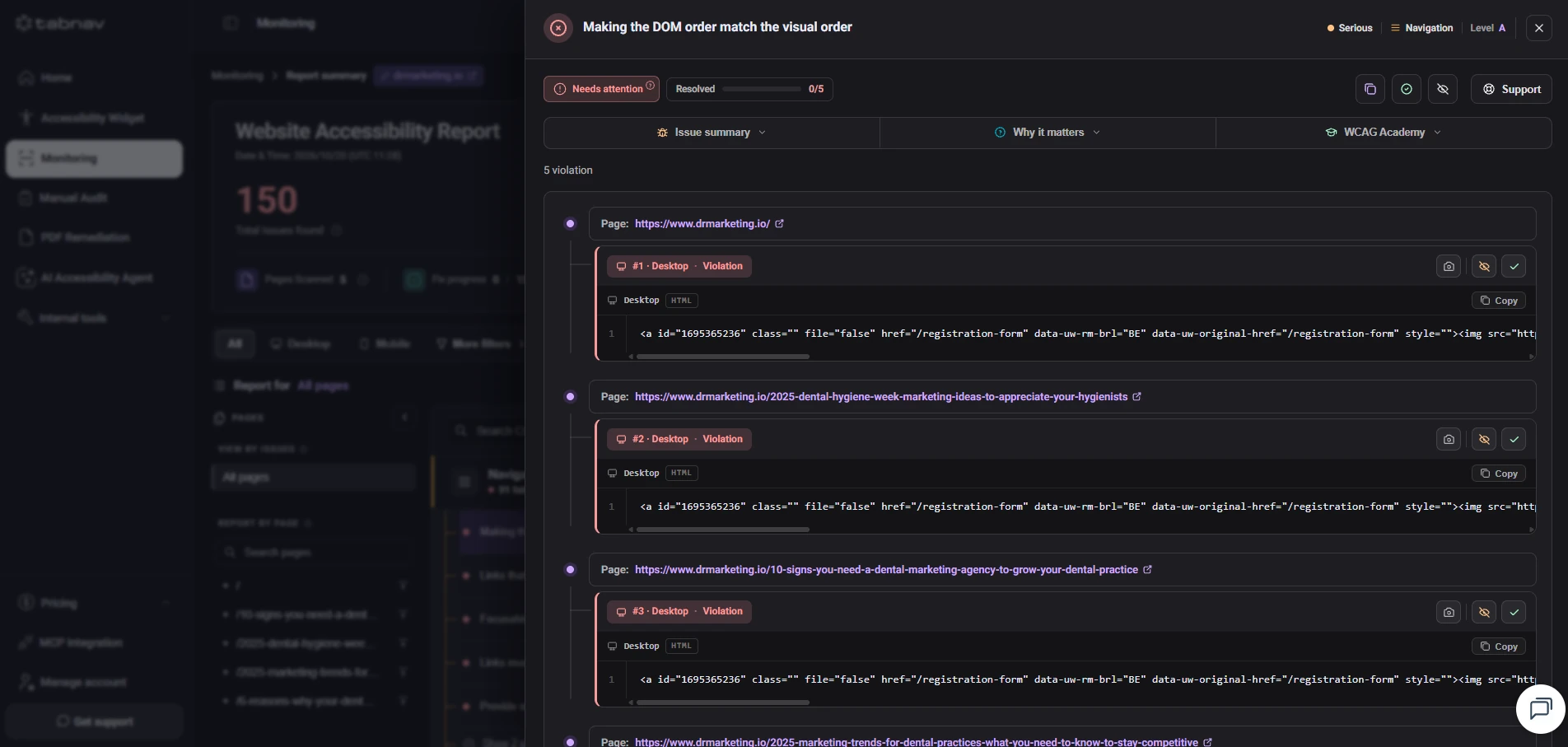
A platform, not a spreadsheet

Manage manual findings in a dashboard, not a file. Our specialists add every finding straight to the platform, and your whole team works on it in one place.

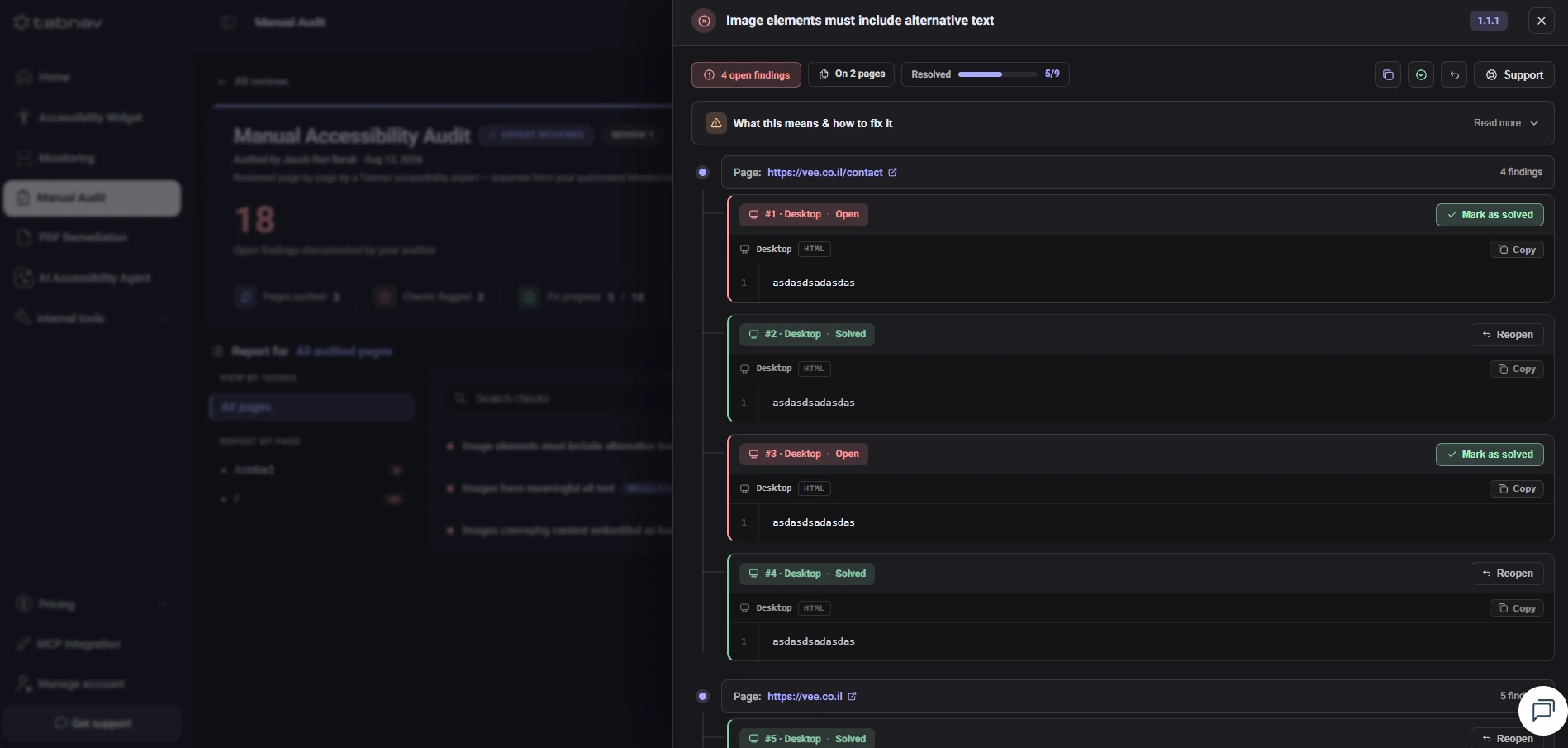
Each finding goes into the platform with the page, the code snippet and its status. No spreadsheets, no versions and no files sent back and forth by email.

Each finding shows the code snippet, the pages it appears on, its severity and an explanation of how to fix it.

Your developers, project managers and our team see the same findings, mark what is fixed and track progress in the platform.

Manual findings are connected to MCP as well, so your developers work on them from Claude, without copying them out of a file.

Every audit delivers a detailed conformance report mapped to WCAG, ADA and EAA criteria, reviewed live with your team. A VPAT is available on request.

Manual audit findings in the tabnav platform: open and resolved findings by page

FAQ

Manual accessibility audit questions

How long does a manual audit take?

Most manual audits are completed within 21 business days, depending on the size and complexity of the website. We give you a firm timeline before kickoff.

What testing methods do you use?

A combination of three layers: automated scans for breadth, expert manual testing for issues automation cannot detect, and assistive technology reviews (screen readers, keyboard navigation, magnification) to validate real usability.

Why do you combine automated scanning?

An automated scan quickly finds the common issues, so the manual audit focuses on what needs an expert. The process is faster and more affordable, and manual testing still finds everything else.

Where are the manual findings managed?

In the tabnav platform, not a spreadsheet. Our specialists add every finding straight to the dashboard with the page, the code and fix guidance, and your whole team works on it in one place and marks what is fixed.

What is the MCP integration?

MCP (Model Context Protocol) lets an AI assistant like Claude receive tabnav’s audit findings. Your developers see the findings in the chat, with an explanation and fix guidance, and fix them in their own code.

Can we check fixes before they go live?

Yes. With local scanning through a tunnel, our tools scan the site running in your development environment, so you can check every fix without deploying your site.

Do you help us fix the accessibility issues?

Yes. We provide guidance, training and support to help your team resolve every issue correctly. If you would rather we handle the fixes, our manual remediation service picks up where the audit leaves off.

Is the review process limited?

No. Custom plans include unlimited reviews and ongoing accessibility support, so you can come back as often as your team needs, for new pages, redesigns or quarterly checkpoints.

Do you provide ongoing accessibility support?

Yes. We provide ongoing reviews, monthly monitoring scans, support and compliance guidance. The exact level depends on the plan you choose.

Will I get a VPAT or compliance documentation?

Custom plans include a VPAT on request. Every audit delivers a detailed conformance report mapped to WCAG, ADA and EAA criteria, the documentation you need for legal, procurement and enterprise buyers.

Ready to know exactly where you stand?

Start with a free one-page audit, or book a demo to see a full manual audit walked through live. Delivery in 21 business days, live walkthrough included.